
Get started · Guide 3 of 3
Invite your guests
Help people join confidently from their browser.
Make the invitation clear
Guests can open a PXCH meeting link in their browser without downloading the PXCH app. Share the correct meeting invitation from your account.
Include what they need
A useful invitation is short and specific.
- Say what the call is for and how long you expect it to take.
- Include the date, time and time zone for a scheduled call.
- Add the meeting link and any preparation needed.
- Check that the link opens the intended session before sending it.
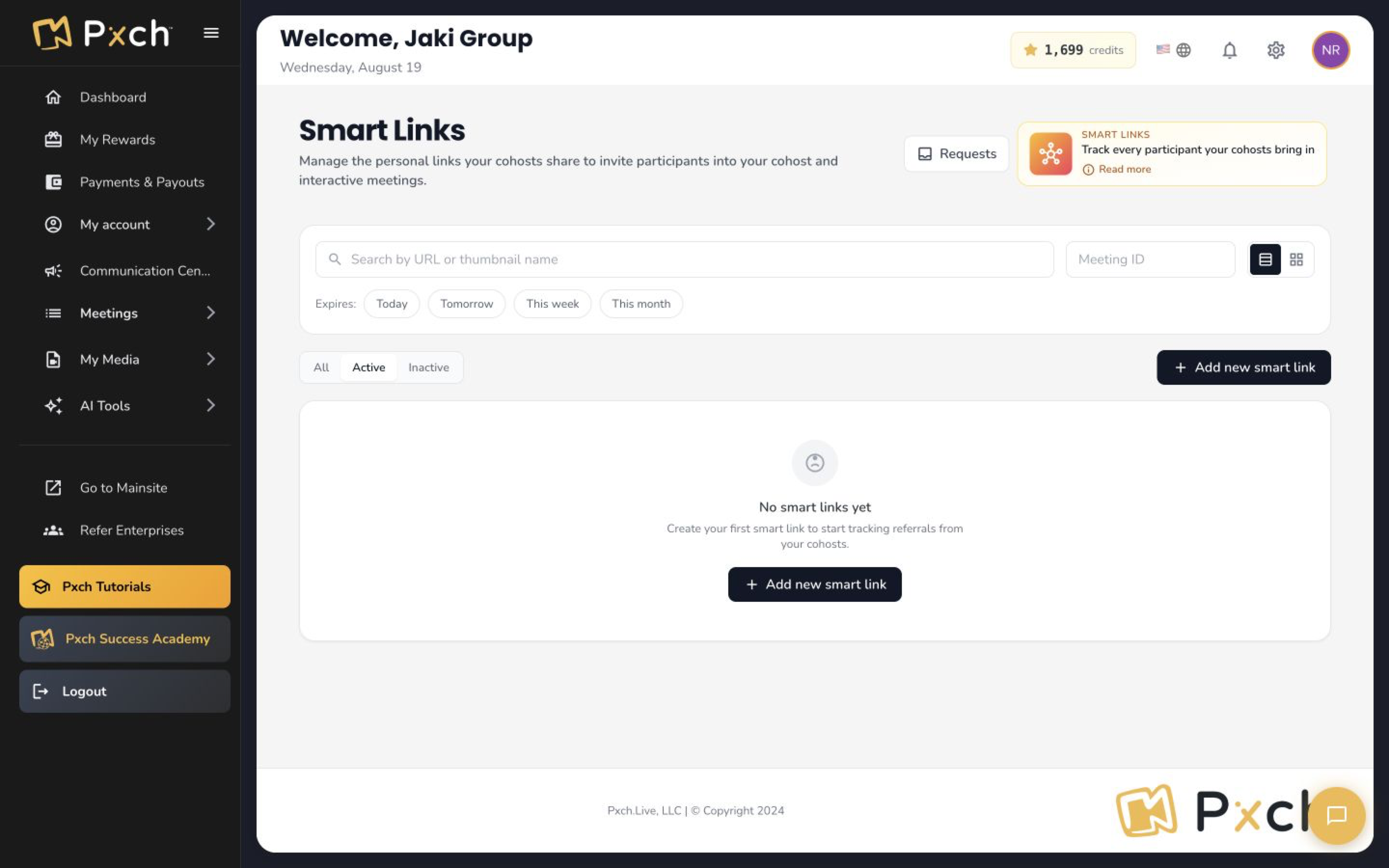
Meeting links and referral links are different
A link that brings someone into a meeting does not necessarily enroll them in Rewards or attribute a subscription to you. Use the appropriate personal referral link when making a Rewards invitation.
Give it a try
Draft an invitation with a purpose, time and correct meeting link.
Your progress stays in this browser on this device.