
Use PXCH · Guide 1 of 3
Bring a website into a call
Let people explore a page while you talk.
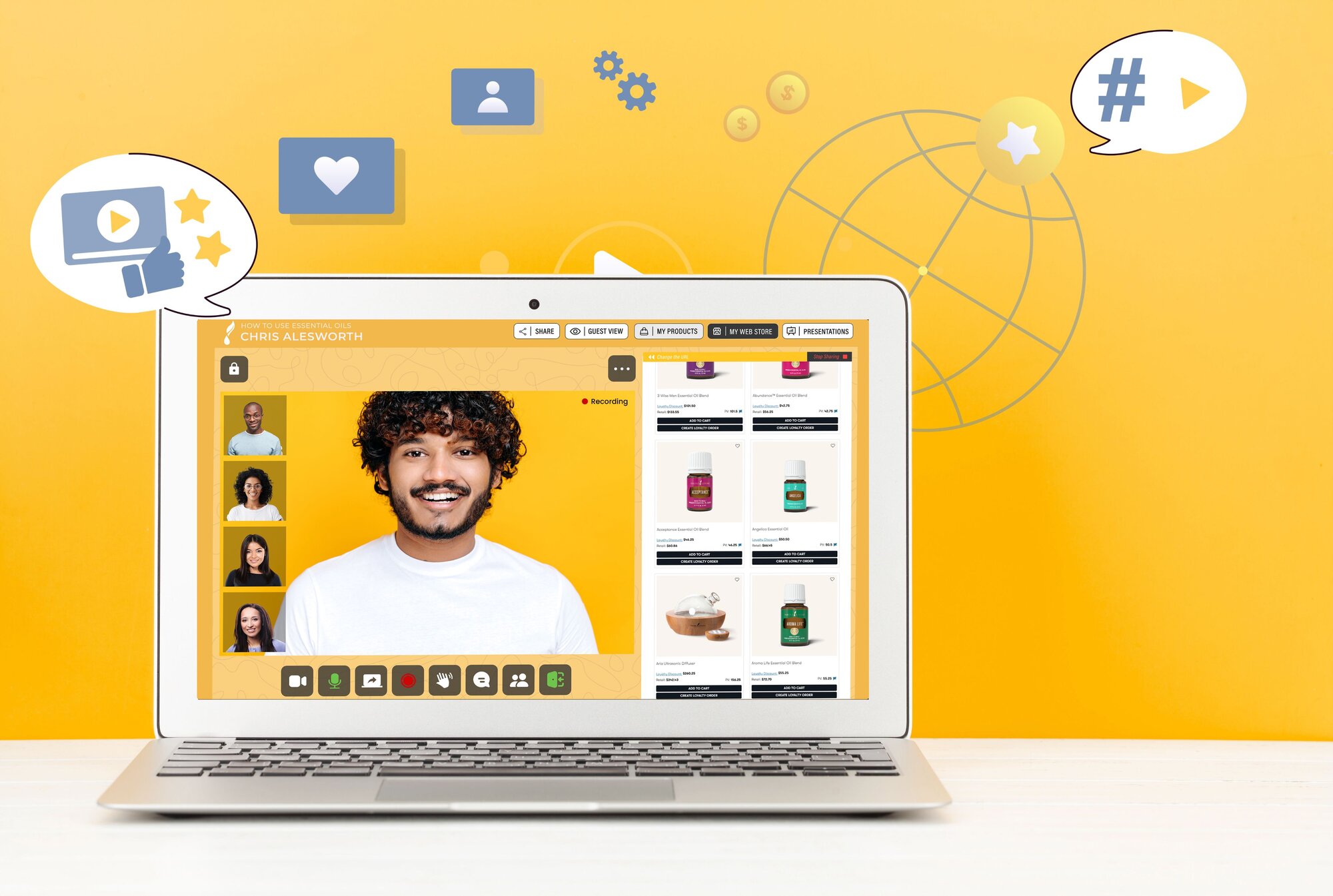
Give your guests something to explore
With supported websites in PXCH, people can browse, book or shop while staying part of the conversation. Choose a page that makes the topic easier to understand.
Test the page first
Some websites restrict embedding. Sign-in, checkout or other actions may need a separate window.
- Choose the exact page you want guests to use.
- Try it inside a practice session before the real call.
- Check its important links and actions from the guest’s point of view.
- Keep a direct link ready if the page needs to open outside the meeting.
Explain the next action
Show guests where to start, then give them time to interact. Ask a simple question or invite them to explore one relevant part of the page.
Give it a try
Test one supported website in a practice call and identify one useful guest action.
Your progress stays in this browser on this device.