
Use PXCH · Guide 4 of 7
Understand your PXCH credits
Check usage before creating AI videos, transcribing or translating a meeting.
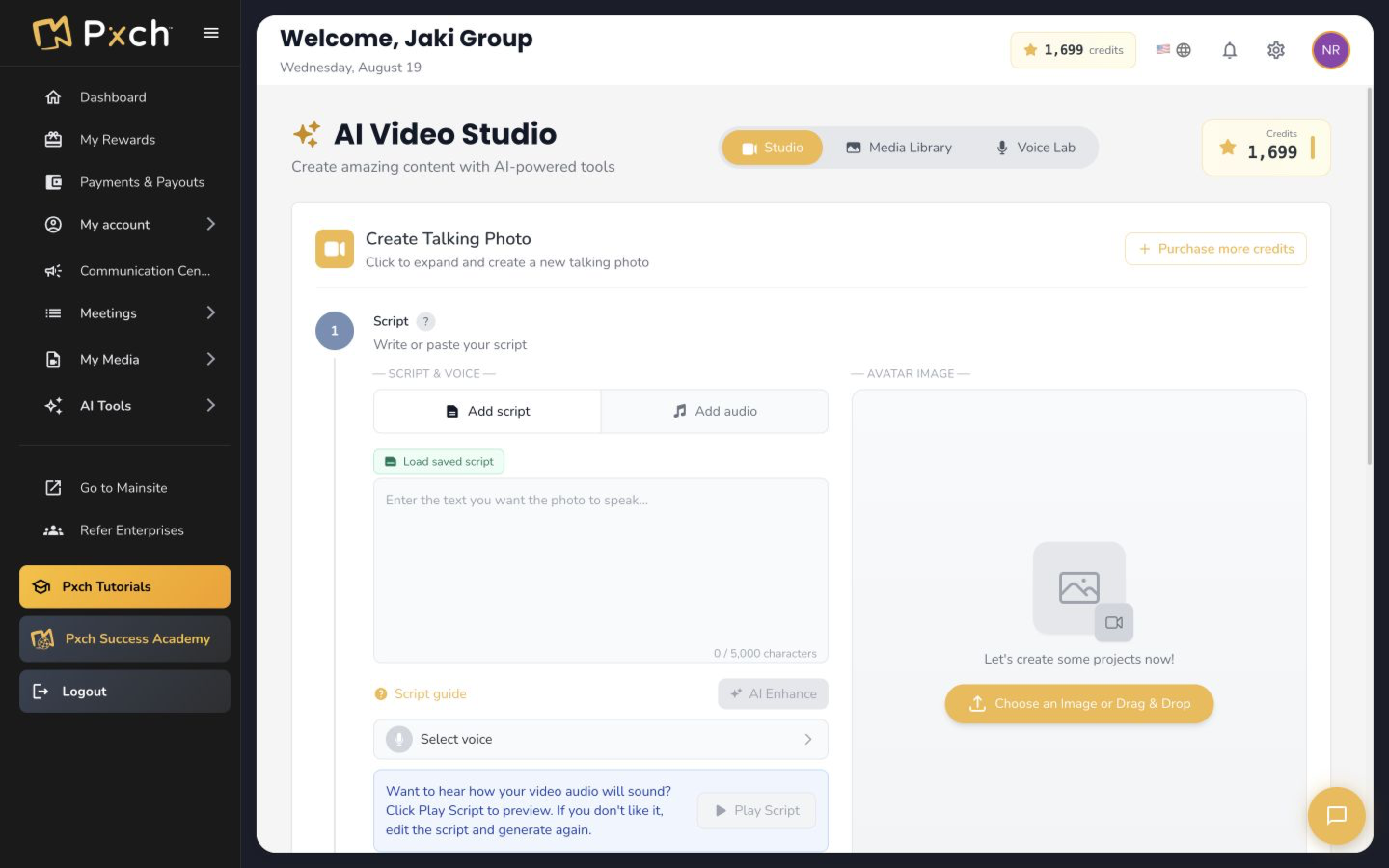
Check before you create
Open the credit balance in your PXCH portal, then How it works. AI videos, live transcription and live translation use credits. Longer content uses more credits, and translation also depends on the number of target languages.
Estimate your usage
The approximate rates are 192 credits per minute for talking-photo videos, 1 per minute for transcription and 5 per minute per target language for translation. Rates can change.
- A one-minute talking-photo video uses about 192 credits.
- An hour of transcription uses about 60 credits.
- Thirty minutes of translation into one language uses about 150 credits; three languages use about 450.
- Review current rates and your allowance in the portal before a long session.
Understand your balance
Included credits expire at month’s end; purchased credits roll over. Live usage may settle after an activity ends and can take a balance below zero. A later purchase settles that difference first. CRM messaging funds and CRM subscription upgrades are separate.
Give it a try
Estimate the credits for one short activity and compare it with your current balance.
View credit detailsYour progress stays in this browser on this device.