Choose Teams if
- Meetings, chat, files and calendars already live in Microsoft 365.
- Internal collaboration is the primary job.
- Microsoft identity and administration are central requirements.
 View plans
Platform comparison
Choose Teams for Microsoft 365 collaboration and managed internal communication. Choose PxCH for customer and partner presentations designed to move directly from message to action.
 PxCHvs
 Microsoft Teams
Best fit for TeamsMicrosoft 365 collaboration, organizational meetings and managed webinars.
Choose Teams if
Choose PxCH if
PxCH Intro
$25/monthStandard paid entry plan with 25 interactive guests, 90-minute sessions and 10 GB of cloud storage.
Review pricingMicrosoft Teams Essentials
$4/user/monthPublished annual price. Advanced webinar and Premium features can require higher licenses or add-ons.
Review pricingStandard paid entry plans shown. Higher tiers, add-ons and separate webinar or event products are not counted in the feature answers. Billing units and commitments differ. Last verified August 24, 2026.
Platform capabilities
These answers apply only to the plans named below. Higher tiers, add-ons and separate webinar products are not counted.
Swipe to compare
| Buying factor | Microsoft Teams | PxCH |
|---|---|---|
| Standard paid entry plan | Microsoft Teams Essentials | PxCH Intro |
| Standard paid entry price | $4/user/month, paid yearly | $25/account/month |
| Entry-plan live capacity | 300 participants, up to 30 hours | 25 interactive guests, up to 90 minutes |
| Cloud recording | ||
| Live transcription | ||
| Live translation | ||
| Browsable web content inside the presentation | ||
| Built-in booking, signing, enrollment or purchase paths | ||
| Interactive recording retains content and actions | ||
| Invitation-source attribution |
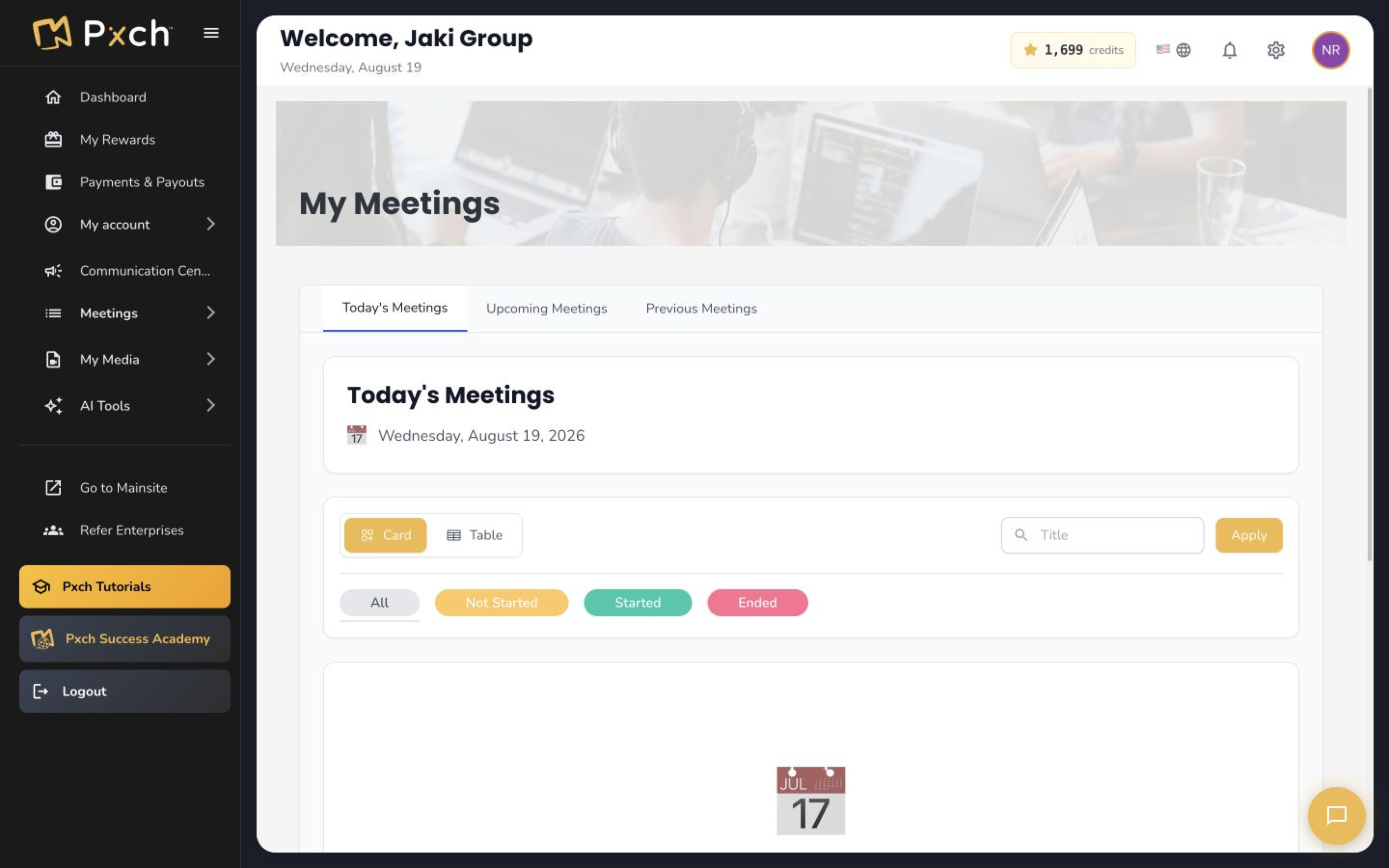
A focused customer workflow
PxCH concentrates the live and recorded presentation journey, attributed invitations and next actions in one customer-facing platform.
Frequently asked questions
Product terms and capabilities can change. Review the linked official sources before purchasing.
Teams supports internal Microsoft 365 collaboration. PxCH supports customer and partner presentations connected to a clear next action.
Teams Essentials starts at a lower per-user price, while PxCH starts at $25 per account per month. Compare user count, audience capacity and required webinar features.
Yes. PxCH can be used for external presentation experiences while Teams and Microsoft 365 remain the internal collaboration environment.
Teams is usually the stronger fit when identity, chat, calendars, files and administration already run through Microsoft 365.
Last verified August 24, 2026. Product features, pricing and plan requirements may change.
Zoom, Microsoft Teams, Google Meet and Webex are trademarks of their respective owners. PxCH is not affiliated with or endorsed by those companies.
Explore AI Avatar features
Open an AI Avatar feature example or choose the PxCH plan that fits your audience.


