Bring your invitation.
Paste a PXCH link on either device, or scan its QR code on iPhone. Your meeting opens inside the app.
 Request beta access
PXCH Rooms iPhone & Mac beta
Bring your invitation, keep your rooms close, and join the conversation. Or sign in to host your own PXCH room.
Invitation-only beta. External testing is not yet open. A request does not guarantee access.
iPhone · iOS 17+ | Mac · macOS 14+
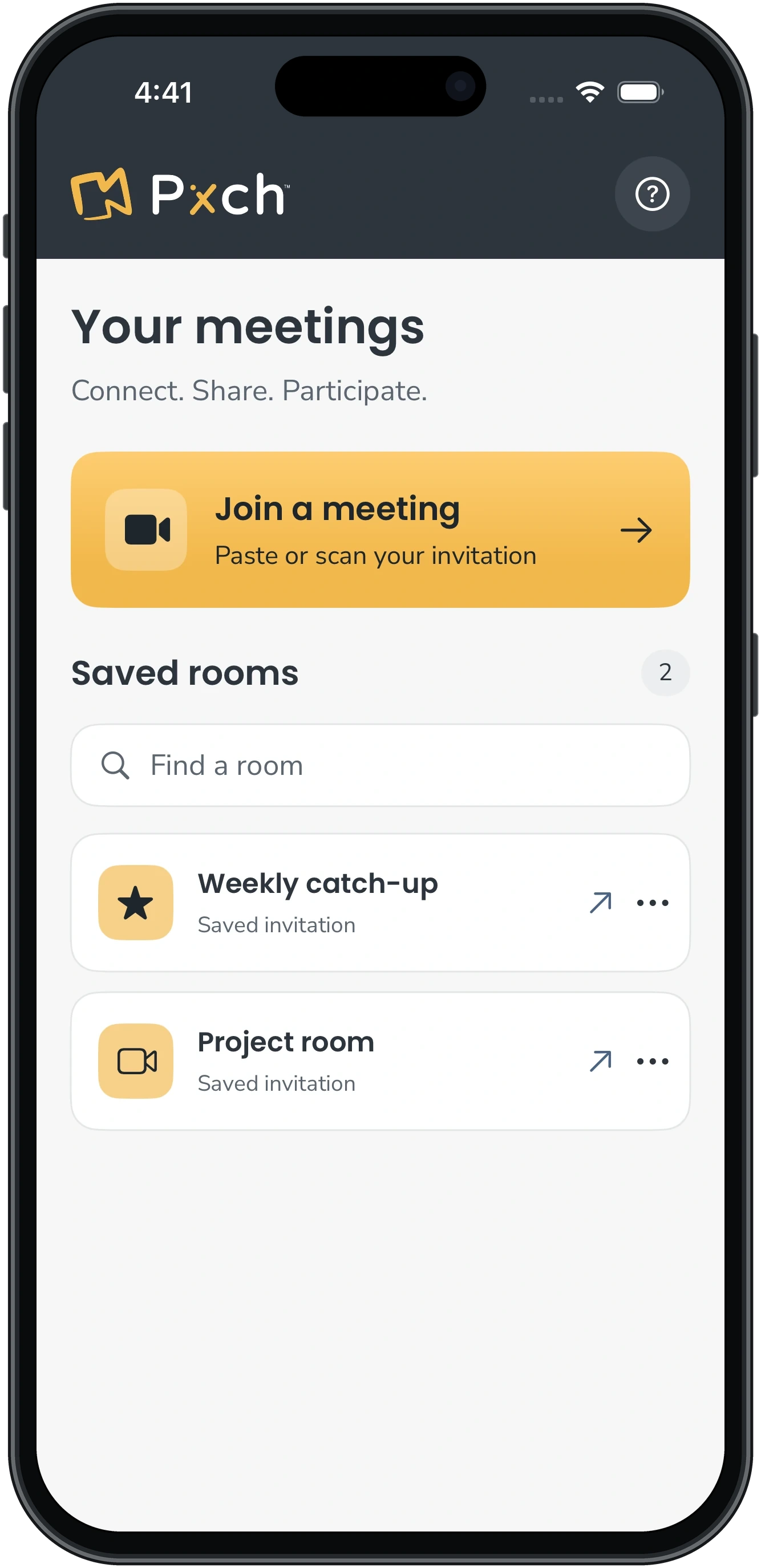
Paste a PXCH link on either device, or scan its QR code on iPhone. Your meeting opens inside the app.
Name, favorite, and search your saved rooms. Tap a room to return.
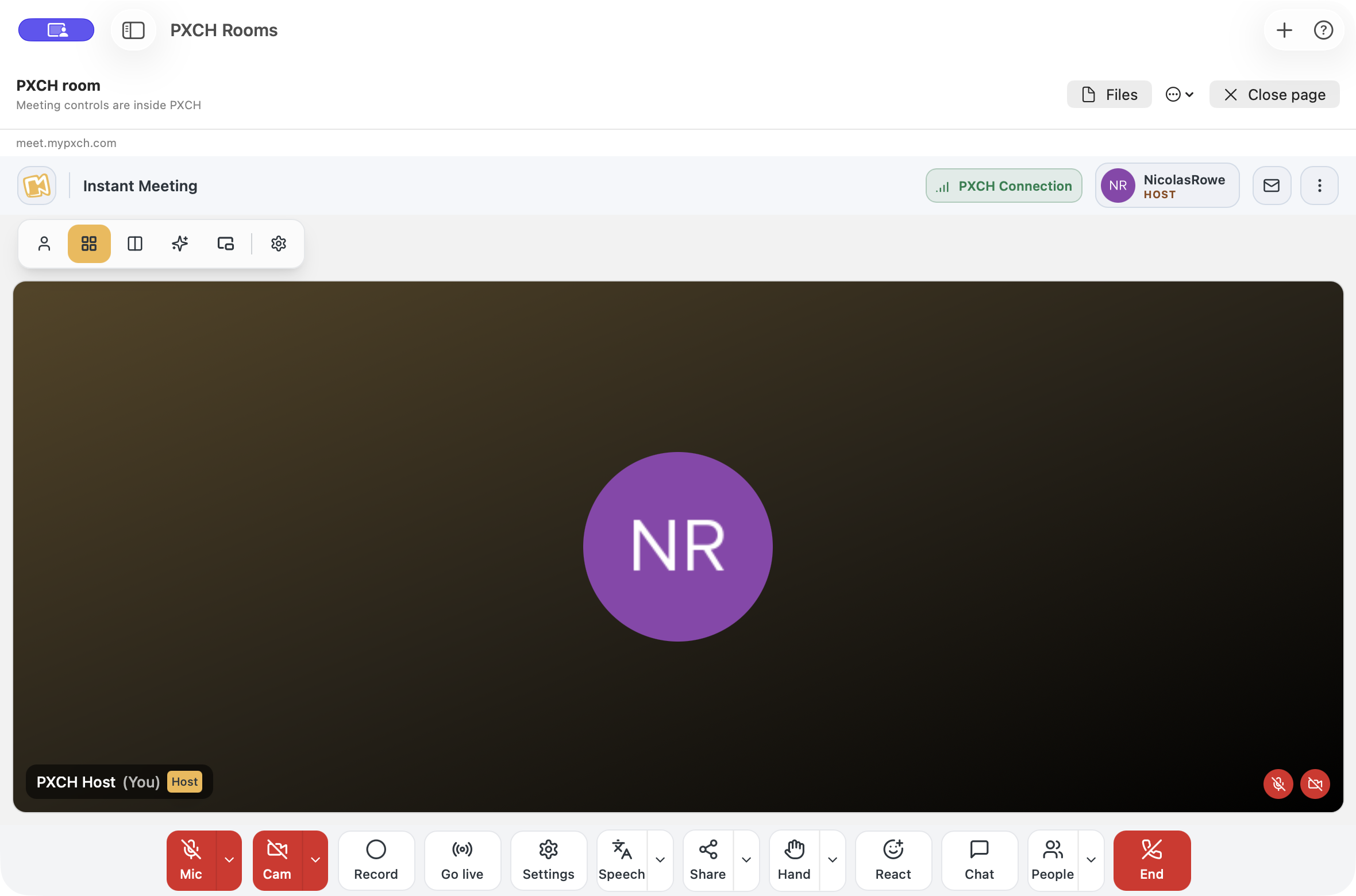
Use PXCH’s meeting controls, presentations, and interactive websites together.
At home on your Mac
A dedicated Mac app with a saved-room sidebar, a resizable window, and familiar keyboard shortcuts. The sidebar tucks away when you open a room, giving your meeting more space. Bring it back whenever you need it.
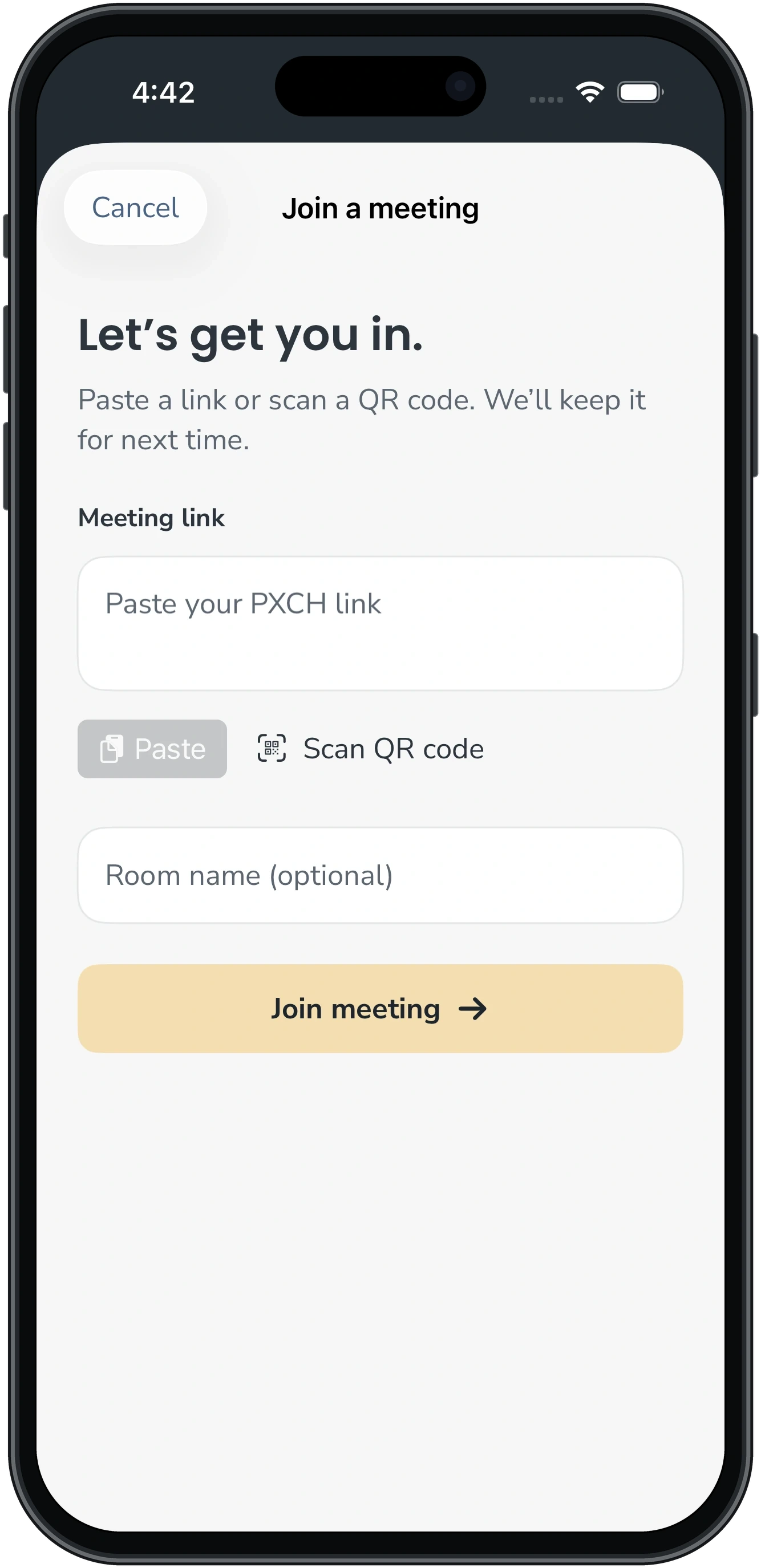
Paste or scan an invitation. Keep saved rooms handy and open your recent room from a widget. Requires iOS 17 or later.
Paste an invitation with ⌘J. Find rooms in the sidebar, preview downloads, and save files where you choose. Requires macOS 14 or later.
Saved rooms and sign-in are local to each device. Automatic sync between iPhone and Mac is not available.
Start with your invitation
Keep your go-to rooms together. The next time you meet, pick a saved room and follow PXCH’s joining steps.
Existing testers install PXCH Rooms through Apple’s TestFlight app.
Use the complete invitation, then choose Join meeting. On iPhone, you can also scan a QR code.
Follow PXCH’s guest or admission steps. For your own room, choose host sign-in and use your PXCH account.
A focused first version
PXCH Rooms gives you a focused home for joining meetings and hosting your own room. Scheduling and account management stay on PXCH’s website.
The beta supports PXCH 3.0 joining and host sign-in. Keep the iPhone app visible during calls. On Mac, keep the meeting open and check the connection after sleep or a network change.
Read the beta notesSome rooms let you join as a guest with your name and email. Others require sign-in or host admission. The app follows the room’s access settings.
Yes. Open the invitation to a room you own and choose PXCH’s host sign-in. Sign in with your PXCH account, check your devices, then join as host. Scheduling and the full account dashboard remain on PXCH’s website.
Saved invitations and website sign-in stay on each device. There is no automatic iPhone–Mac sync. Open the same complete invitation on each device to save it there.
For now, paste the complete invitation into PXCH Rooms, or scan its QR code on iPhone. Ordinary web invitations do not automatically open the app. Once saved, a room is one tap away.
Keep the app visible during meetings. Audio or video may pause when you switch apps or lock your iPhone. After an interruption, check the meeting’s connection and microphone before speaking.
It opens your recent room. Live meeting status, microphone status, and mute controls are not available on the Lock Screen or Dynamic Island.
The current iPhone and Mac betas include PXCH 3.0 joining and host sign-in support. Some PXCH service limitations remain, including Hand after a host blocks your microphone. See the current beta notes for platform details.
Try PXCH Rooms for iPhone and Mac.